

Marques
 Mon panier
0
Mon panier
0
shopping_cart
0
Du lundi au jeudi de 9h00-12h30/13h30-18h00 - Le vendredi de 9h00-12h30/13h30-16h30
 Tel : 01 56 33 33 10
-
 search
 -
 search
 -
 search
 -
 search
 -
 search
 -
 search
 -
 search
 -
 search
 -
 search
 -
 search
 -
 search
 -
 search
 -
 search
 -
 search
 -
 search
 -
 search
 -
 search
 -
 search
 -
 search
 -
 search
 -
 search
 -
 search
 -
 search

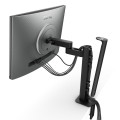
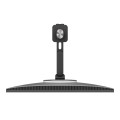


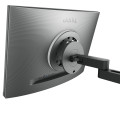
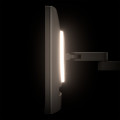

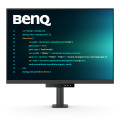

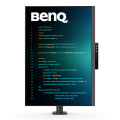
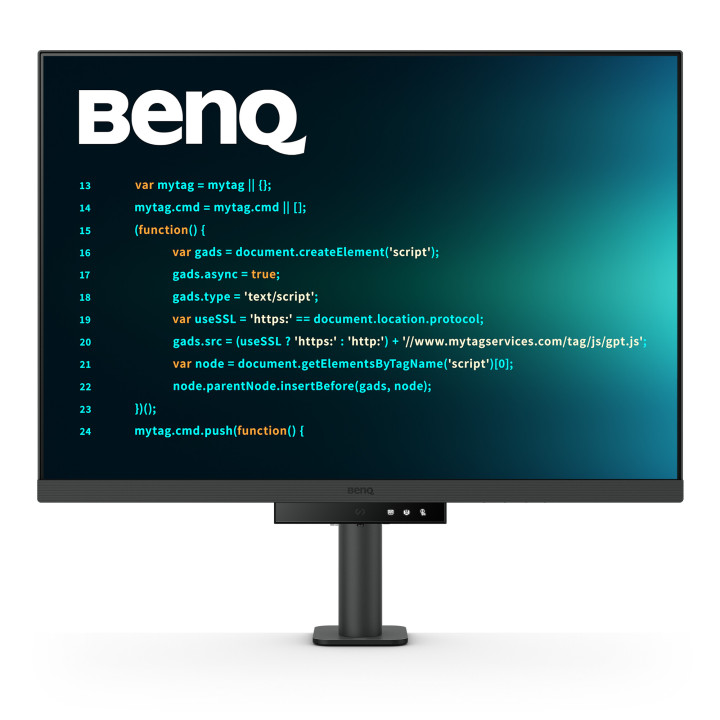
BenQ RD280UA écran plat de PC 71,6 cm (28.2") 3840 x 2560 pixels 4K Ultra HD Noir
Référence : RD280UA
BenQ RD280UA, 71,6 cm (28.2"), 3840 x 2560 pixels, 4K Ultra HD, 5 ms, Noir
540,83 €
HT
649,00 € TTC
Astonishing Clarity for the Ultimate Coding Experience
Crystal-Clear Coding, Glare-Free Brilliance
Crafted for Programmers: BenQ Programming Monitors offer you full immersion in your code no matter where you are.
Empowering Programmers with BenQ Nano Matte Panel
Enter the coding flow in seconds with the Nano Matte Panel. Featuring a low reflection property to minimize distractions, this advanced technology enhances focus and boosts productivity, delivering unparalleled clarity for peak performance.
Superior Code Differentiation
BenQ's advanced coding modes ensure crystal-clear fonts and improved code differentiation, reducing eye strain during prolonged use.
Code with Comfort and Efficiency
Offer both dark and light themes for adaptable coding environments. Swiftly adjust brightness, sharpness, and contrast for optimal coding conditions.
Experience Focus Anytime with MoonHalo
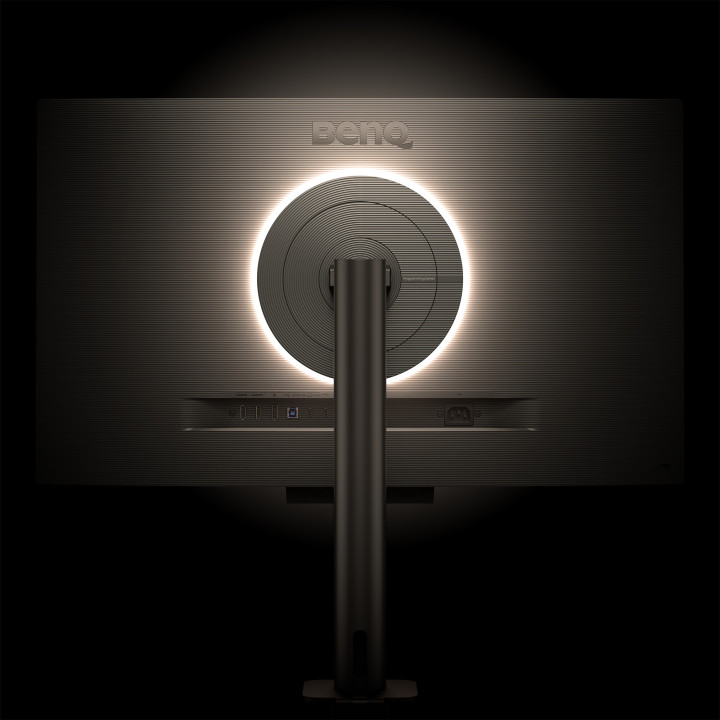
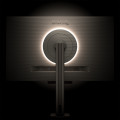
Experience MoonHalo by BenQ – an illumination system built into the back of the monitor. With customizable color temperature, brightness, and light modes, along with Auto Dimming powered by B.I. Gen2, MoonHalo ensures optimal eye protection and focus anytime, whether you're working from home or the office.
Take Control of Display Settings with Display Pilot 2
The Display Pilot 2 software gives you complete control of your display settings. Users can set their preferred functions with ease, including MoonHalo Control, Shortcuts, Desktop Partition, Application Mode, Software Dimming, Circadian Mode, and more.
Assign Different Modes to Applications
Application Mode makes it easy to assign different color modes and remembers your frequently-used settings for upcoming applications. Bind your IDE with the RD series’ advanced coding modes for the ultimate workflow!
Intelligent Circadian Displays for Comfortable Eyes
BenQ Low Blue Light Plus includes Circadian Mode, which automatically adjusts your screen's color temperature throughout the day, mirroring the natural sunrise to sunset cycle. Enjoy eye comfort worry-free.
Boost Efficiency with Display Pilot 2 Shortcuts
Exclusive Shortcuts allows you to easily bind commonly used functions to the hotkeys. With Display Pilot 2, copying and pasting shortcuts is no longer limited to one set at a time; it conveniently remembers two sets of content at once.
Monitor Ergonomics for Your Comfort
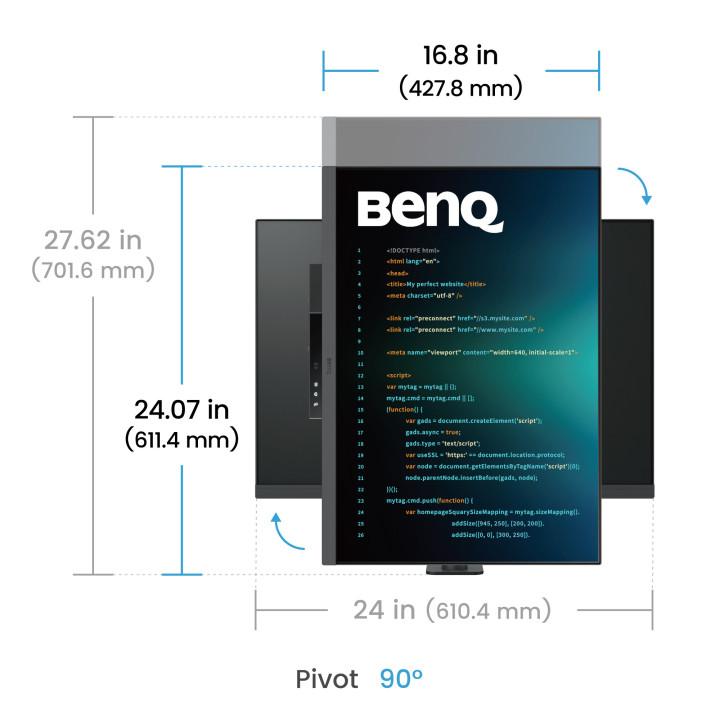
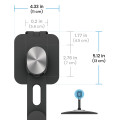
Enhance your coding workspace with the monitor's adjustable height, tilt, pivot, and swivel capabilities for optimal efficiency and comfort.
Optimal Posture, Superior Output
Relieve prolonged neck and body aches. BenQ Programming Monitors prioritize your comfort for long-term projects.
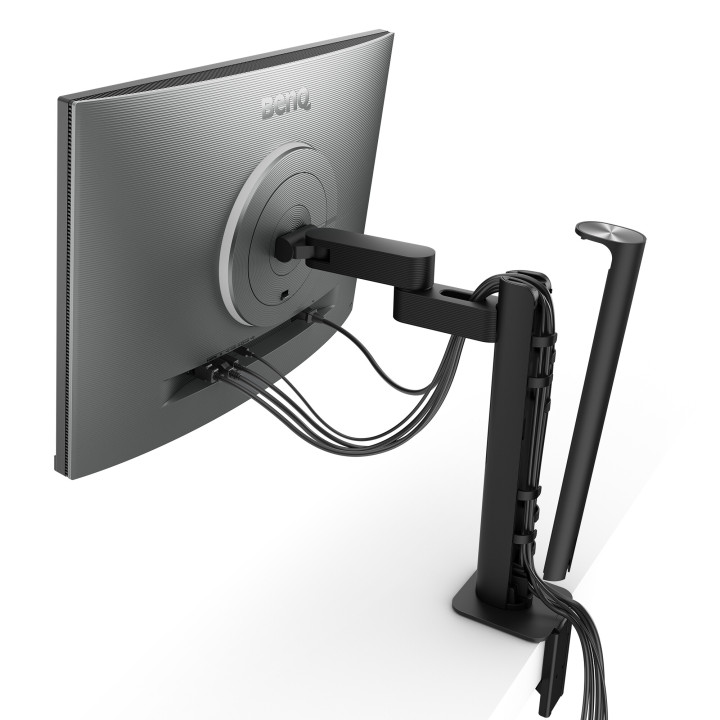
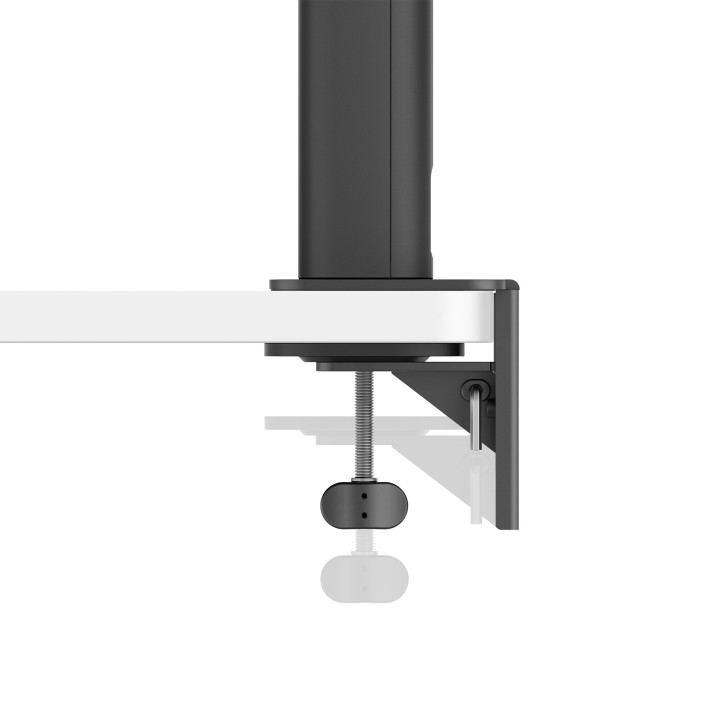
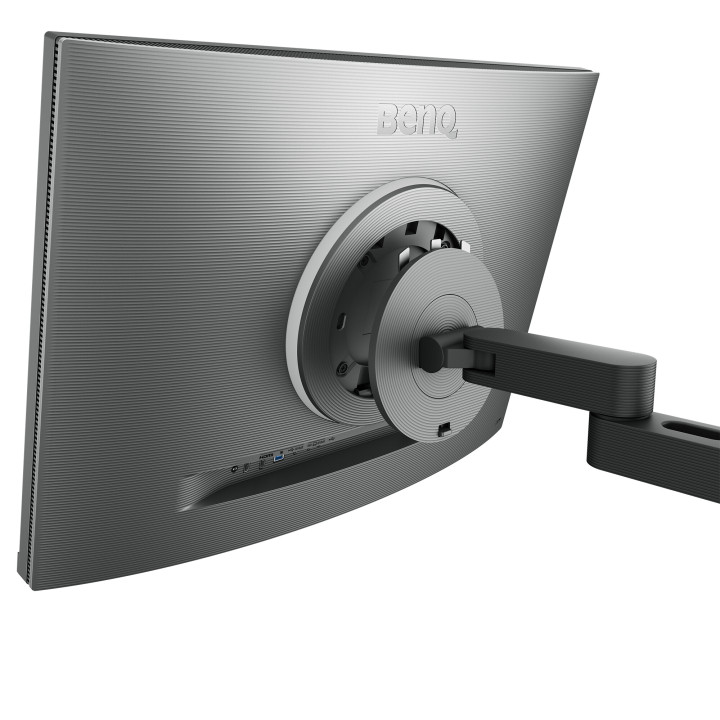
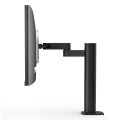
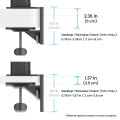
Ergo Arm Stand : Elevating Coders' Desks with Infinite Flexibility
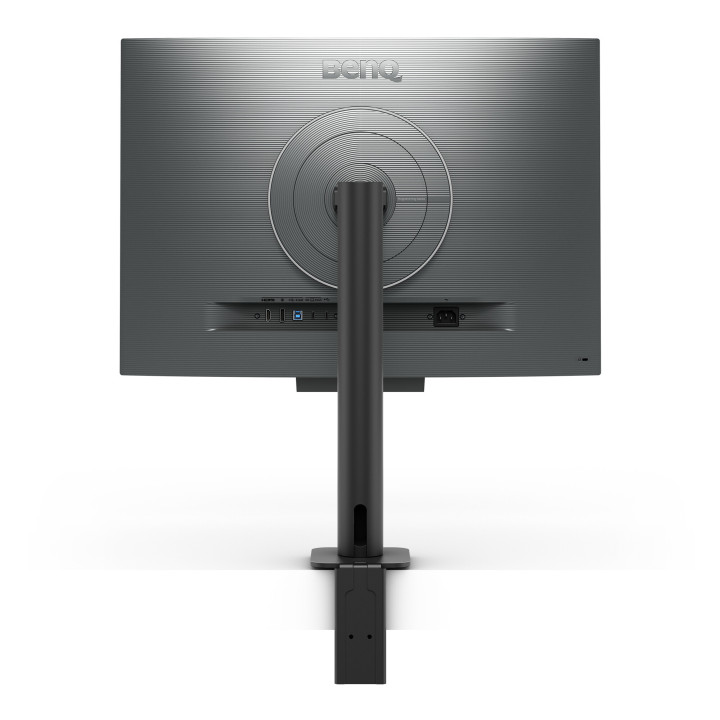
BenQ Ergo Arm enhances flexibility and provides the optimal screen position for a more comfortable and productive user experience.
Endless Horizons, Intuitive Workflows
Whether it's multi-screen integration or single-screen data comparison, a BenQ Programming Monitor meets your multitasking needs.
Achieve More and Scroll Less
With a rare 3:2 ratio design, RD280UA is crafted for coders to provide them with an expansive field of view.
Seamless Connectivity with Easy Plug and Play
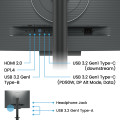
BenQ Programming Monitors offer ample port options, including USB Type-C for all-in-one connectivity.
Maximum Efficiency, Multitask with Ease
Maximum efficiency through unified integration with diverse devices and built-in KVM (keyboard, video, mouse) for seamless source switching.
Daisy Chain with the 90W USB Type-C
Multi-Stream Transport Technology allows you to extend screens across multiple displays using the USB Type-C. The 90W USB Type-C carries images, videos, and other data seamlessly plus charges your mobile devices at the same time all with one cable. Please note that Mac® and MacBook® devices only support daisy chaining via Thunderbolt. Daisy chaining is not supported via HDMI or using regular USB ports on any device. Also, you can only connect a single external display using a Mac device with the M1 or M2 chips. For more information about connecting different models of Mac devices to external displays, please refer to the Apple website.
Coding Hotkey and Function Bar
Effortlessly boost productivity with our unique Coding HotKey and Function Bar. With a swift press of the Coding HotKey at the heart of the function bar you can immerse yourself instantly into the coding realm.
Keep Your Eyes Fatigue-Free
Experience unmatched eye comfort during night hours with our Night Hours Protection and advanced Brightness Intelligence Gen2. BenQ Eye-Care Technology is dedicated to enhancing your visual comfort.
Night Hours Protection
Benefit from minimum brightness technology for reduced eye strain and discover enhanced eye protection at night with our Night Hours Protection. Its intelligent ambient light detection and auto-switch capabilities require minimal user intervention, ensuring effortless and consistent eye care.
Brightness Intelligence Gen2
BenQ B.I. Gen2 automatically detects the brightness in your room and adjusts the screen brightness, while also providing the option to manually fine-tune the brightness.
TUV Reflection Free Certified to Ensure Coding with Refreshed Eyes
Being TUV Reflection Free Certificated ensures coding with minimized distractions, fostering a clearer and more efficient development process. Global safety authority TÜV Rheinland also certifies RD280UA's Low Blue Light as truly friendly to the human eye. Eyesafe 2.0 certification ensures that the display reduces blue light while maintaining vivid color.
Crystal-Clear Coding, Glare-Free Brilliance
Crafted for Programmers: BenQ Programming Monitors offer you full immersion in your code no matter where you are.
Empowering Programmers with BenQ Nano Matte Panel
Enter the coding flow in seconds with the Nano Matte Panel. Featuring a low reflection property to minimize distractions, this advanced technology enhances focus and boosts productivity, delivering unparalleled clarity for peak performance.
Superior Code Differentiation
BenQ's advanced coding modes ensure crystal-clear fonts and improved code differentiation, reducing eye strain during prolonged use.
Code with Comfort and Efficiency
Offer both dark and light themes for adaptable coding environments. Swiftly adjust brightness, sharpness, and contrast for optimal coding conditions.
Experience Focus Anytime with MoonHalo
Experience MoonHalo by BenQ – an illumination system built into the back of the monitor. With customizable color temperature, brightness, and light modes, along with Auto Dimming powered by B.I. Gen2, MoonHalo ensures optimal eye protection and focus anytime, whether you're working from home or the office.
Take Control of Display Settings with Display Pilot 2
The Display Pilot 2 software gives you complete control of your display settings. Users can set their preferred functions with ease, including MoonHalo Control, Shortcuts, Desktop Partition, Application Mode, Software Dimming, Circadian Mode, and more.
Assign Different Modes to Applications
Application Mode makes it easy to assign different color modes and remembers your frequently-used settings for upcoming applications. Bind your IDE with the RD series’ advanced coding modes for the ultimate workflow!
Intelligent Circadian Displays for Comfortable Eyes
BenQ Low Blue Light Plus includes Circadian Mode, which automatically adjusts your screen's color temperature throughout the day, mirroring the natural sunrise to sunset cycle. Enjoy eye comfort worry-free.
Boost Efficiency with Display Pilot 2 Shortcuts
Exclusive Shortcuts allows you to easily bind commonly used functions to the hotkeys. With Display Pilot 2, copying and pasting shortcuts is no longer limited to one set at a time; it conveniently remembers two sets of content at once.
Monitor Ergonomics for Your Comfort
Enhance your coding workspace with the monitor's adjustable height, tilt, pivot, and swivel capabilities for optimal efficiency and comfort.
Optimal Posture, Superior Output
Relieve prolonged neck and body aches. BenQ Programming Monitors prioritize your comfort for long-term projects.
Ergo Arm Stand : Elevating Coders' Desks with Infinite Flexibility
BenQ Ergo Arm enhances flexibility and provides the optimal screen position for a more comfortable and productive user experience.
Endless Horizons, Intuitive Workflows
Whether it's multi-screen integration or single-screen data comparison, a BenQ Programming Monitor meets your multitasking needs.
Achieve More and Scroll Less
With a rare 3:2 ratio design, RD280UA is crafted for coders to provide them with an expansive field of view.
Seamless Connectivity with Easy Plug and Play
BenQ Programming Monitors offer ample port options, including USB Type-C for all-in-one connectivity.
Maximum Efficiency, Multitask with Ease
Maximum efficiency through unified integration with diverse devices and built-in KVM (keyboard, video, mouse) for seamless source switching.
Daisy Chain with the 90W USB Type-C
Multi-Stream Transport Technology allows you to extend screens across multiple displays using the USB Type-C. The 90W USB Type-C carries images, videos, and other data seamlessly plus charges your mobile devices at the same time all with one cable. Please note that Mac® and MacBook® devices only support daisy chaining via Thunderbolt. Daisy chaining is not supported via HDMI or using regular USB ports on any device. Also, you can only connect a single external display using a Mac device with the M1 or M2 chips. For more information about connecting different models of Mac devices to external displays, please refer to the Apple website.
Coding Hotkey and Function Bar
Effortlessly boost productivity with our unique Coding HotKey and Function Bar. With a swift press of the Coding HotKey at the heart of the function bar you can immerse yourself instantly into the coding realm.
Keep Your Eyes Fatigue-Free
Experience unmatched eye comfort during night hours with our Night Hours Protection and advanced Brightness Intelligence Gen2. BenQ Eye-Care Technology is dedicated to enhancing your visual comfort.
Night Hours Protection
Benefit from minimum brightness technology for reduced eye strain and discover enhanced eye protection at night with our Night Hours Protection. Its intelligent ambient light detection and auto-switch capabilities require minimal user intervention, ensuring effortless and consistent eye care.
Brightness Intelligence Gen2
BenQ B.I. Gen2 automatically detects the brightness in your room and adjusts the screen brightness, while also providing the option to manually fine-tune the brightness.
TUV Reflection Free Certified to Ensure Coding with Refreshed Eyes
Being TUV Reflection Free Certificated ensures coding with minimized distractions, fostering a clearer and more efficient development process. Global safety authority TÜV Rheinland also certifies RD280UA's Low Blue Light as truly friendly to the human eye. Eyesafe 2.0 certification ensures that the display reduces blue light while maintaining vivid color.
-
Marque

-
RéférenceRD280UA
-
EAN134718755093302
-
Tension d'entrée AC100 - 240 V
-
Sortie jack haut-parleur/ casque1
-
Logiciels fournisDisplay Pilot 2
-
Temps de réponse5 ms
-
Concentrateur USB intégréOui
-
Version du concentrateur USB3.2 Gen 1 (3.1 Gen 1)
-
Diagonale d'écran (cm)72 cm
-
Palette de couleurs95%
-
Ajustement de l'inclinaisonOui
-
HDMIOui
-
Affichage multilingue à l'écranArabe, Chinois simplifié, Chinois traditionnel, Tchèque, Allemand, Néerlandais, Anglais, Espagnol, Français, Hongrois, Italien, Japonais, Coréen, Polonais, Portugais, Roumain, Russe, Suédois
-
Plage d’efficacité énergétiqueA à G
-
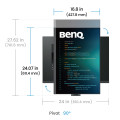
Profondeur (support inclus)476 mm
-
Hauteur (support inclus)602,2 mm
-
Largeur appareil (support inclus)610,4 mm
-
Consommation électrique (arrêt)0,3 W
-
Modes SmartePaper
-
Densité en pixels164 pixels par pouce
-
HDCPOui
-
Version HDCP2.2
-
Mode alternatif de DisplayPort USB de type COui
-
Capacité de puissance USBOui
-
Technologie sans scintillementOui
-
Technologie Low-Blue-LightOui
-
Poids (avec support)11,4 kg
-
Certificats de durabilitéENERGY STAR, EPEAT Bronze, TCO
-
Angle d'inclinaison-5 - 30°
-
Consommation électrique34 W
-
Type d'alimentation d'énergieInterne
-
Écran antirefletOui
-
Norme de gamme de couleursDCI-P3
-
Sortie casque audioOui
-
Guide de démarrage rapideOui
-
Rétroéclairage à LEDOui
-
Prise en charge HDROui
-
Poids (sans support)7,5 kg
-
Hauteur (sans support)427,8 mm
-
Profondeur (sans support)87,1 mm
-
Largeur (sans support)610,4 mm
-
Hauteur ajustable (max)13 cm
-
Version de DisplayPort1.4
-
Quantité d'interface DisplayPorts1
-
Quantité de ports HDMI1
-
Taux de rafraîchissement natif60 Hz
-
Consommation d'énergie (HDR) pour 1000 heures31 kWh
-
Consommation d'énergie (SDR) pour 1000 heures29 kWh
-
Forme d'écranPlat
-
Affichage à l'écran (OSD)Oui
-
Version HDMI2.0
-
Consommation d'énergie (mode veille)0,4 W
-
Délivrance de la puissance USB jusqu’à90 W
-
Quantité de ports avals USB de type A3
-
Plage de l'angle d'oscillation-275 - 275°
-
Angle de rotation0 - 90°
-
Classe d'efficacité énergétique (HDR)G
-
PivotOui
-
Classe d'efficacité énergétique (SDR)G
-
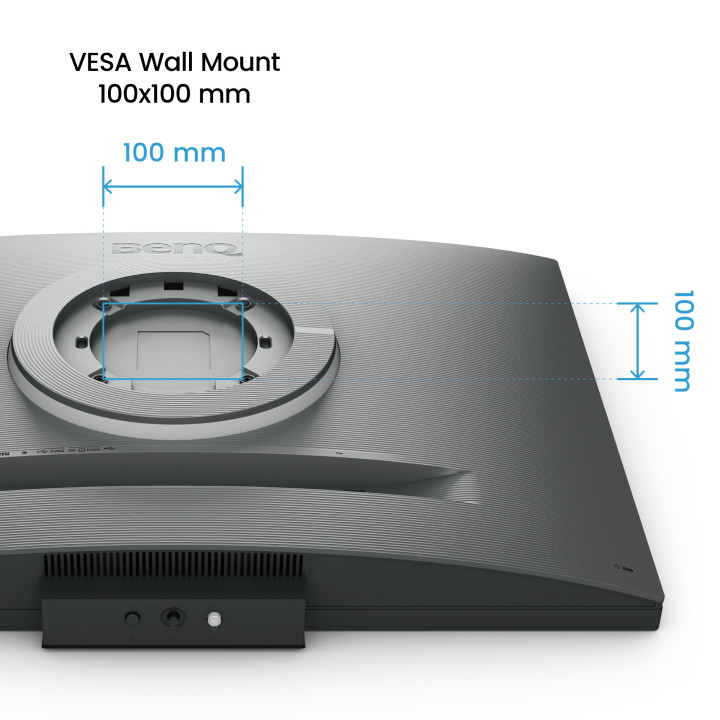
Montage muralOui
-
Consommation (max)205 W
-
Appareil photo intégréNon
-
Port de câble antivolNon
-
Réglage de la hauteurOui
-
Puissance évaluée de RMS4 W
-
Technologie HDR (plage dynamique élevée)DisplayHDR 400, High Dynamic Range 10 (HDR10)
-
Nombre de haut-parleurs2
-
Haut-parleurs intégrésOui
-
Quantité de ports avals de type C USB1
-
Nombre de ports USB de type B en amont1
-
CouleurNoir
-
Luminosité de l'écran (maximum)400 cd/m²
-
position de marchéProfessionnel
-
Taux de d'actualisation maximal60 Hz
-
Type HD4K Ultra HD
-
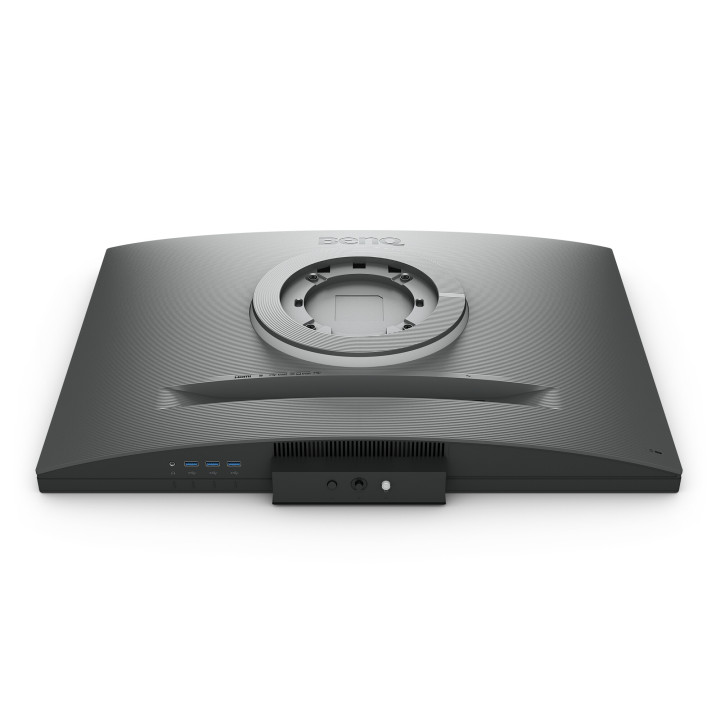
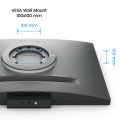
Norme VESA100 x 100 mm
-
Montage VESAOui
-
PivotantOui
-
Angle de vision vertical178°
-
Angle de vision horizontal178°
-
Nombre de couleurs affichées1.07 milliards de couleurs
-
Taux de contraste1200:1
-
Format d'image3:2
-
Écran tactileNon
-
Type de panneauIPS
-
Résolution de l'écran3840 x 2560 pixels
-
Taille de l'écran71,6 cm (28.2")
-
Luminosité de l'écran (typique)350 cd/m²
